









Automated Text Messages Service FAQs
What Are Automated Text Messages?
Automated text messages are SMS messages that are sent automatically based on a schedule or a specific event. Instead of manually sending each message, you can create it once and let the system deliver it at the right time. Businesses use automated text messages for reminders, alerts, notifications, confirmations, and marketing campaigns.
How Do Automated Text Messages Work?
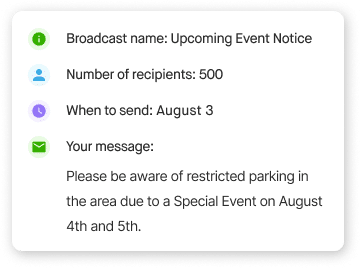
You create your message, choose your recipients, and decide when it should be sent. You can schedule messages for a specific date and time or trigger them based on an event or workflow. Once your settings are saved, DialMyCalls automatically sends the messages to your contacts without any additional work from your team.
How Do You Set Up Automated Text Messages?
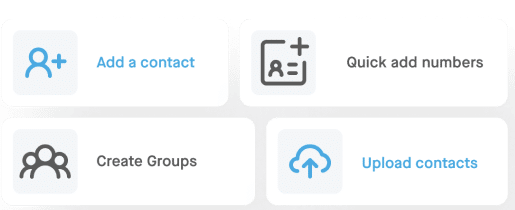
Setting up automated text messages is simple. First, upload or select your contact list. Next, write your message, choose when you want it to be sent, and schedule or automate the campaign. Once everything is set, DialMyCalls handles the delivery automatically and tracks the results so you can monitor your campaign.
What Can Automated Text Messages Be Used For?
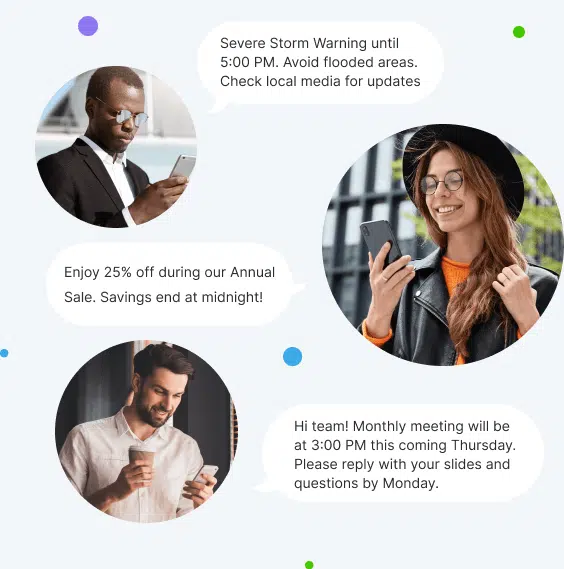
Automated text messages can be used for almost any type of business communication. Common uses include appointment reminders, emergency alerts, employee notifications, event reminders, order updates, payment reminders, school announcements, church communications, customer follow-ups, and promotional offers. They're an effective way to quickly reach large groups of people with important information.
Can I Schedule Automated Text Messages in Advance?
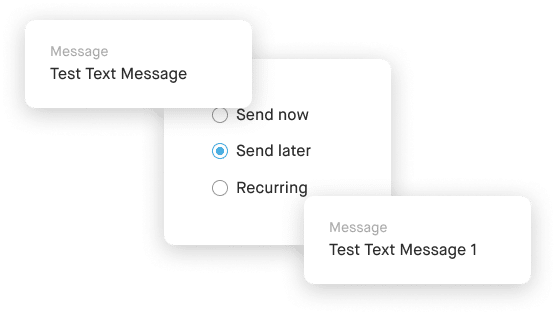
Yes. DialMyCalls lets you schedule text messages days, weeks, or even months in advance. You can also create recurring messages that are automatically sent on a regular schedule, making it easy to send weekly reminders, monthly updates, or recurring notifications without having to recreate each campaign.
Can Automated Text Messages Be Personalized?
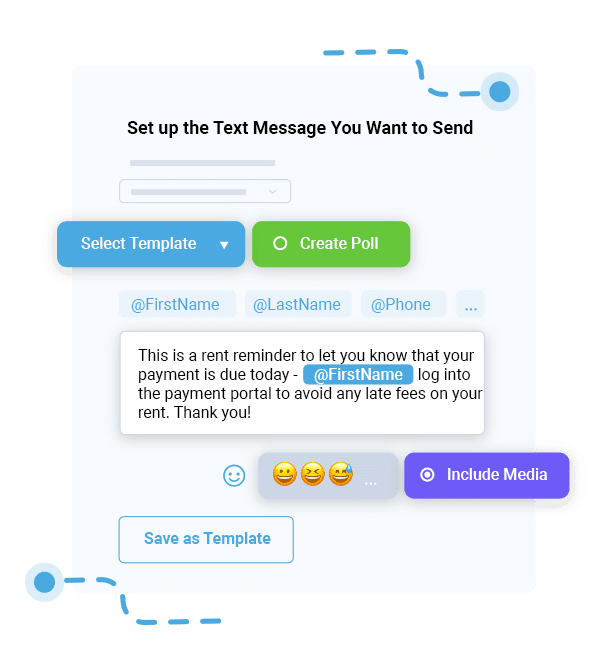
Yes. DialMyCalls supports message personalization using contact information from your contact list. You can automatically insert details such as a recipient's first name or other saved contact information into your messages, creating a more personal experience while still sending messages to large groups.
Can Recipients Reply to Automated Text Messages?
Yes. If you use DialMyCalls' 2-Way Text Messaging, recipients can reply directly to your automated text messages. Their responses appear in your shared inbox, allowing your team to answer questions, provide support, and continue the conversation from a single place.
Can Automated Text Messaging Integrate With My CRM or Other Business Software?
Yes. DialMyCalls offers an API that allows developers to integrate automated text messaging with CRMs, business applications, websites, and other software. Businesses can also connect DialMyCalls with supported third-party platforms to automate notifications and streamline communication workflows.
Are Automated Text Messages Legal?
Yes, automated text messages are legal when they are sent in compliance with applicable laws and regulations, including the Telephone Consumer Protection Act (TCPA). Businesses should obtain the appropriate consent before sending marketing text messages, clearly identify themselves, and provide recipients with an easy way to opt out by replying STOP. Following SMS compliance best practices helps protect both your business and your customers.
How Much Does Automated Text Messaging Cost?
DialMyCalls offers affordable automated text messaging plans for businesses and organizations of all sizes. Pricing depends on the number of text message credits and features you need, and every account includes a free trial so you can test the platform before purchasing a paid plan.